Independent interface
TV-adapted menus make browsing more comfortable.
JWB Player and Broadcasting Player are two independent apps designed for Android TVs, Google TV, and other Android-based devices. Their purpose is to make browsing the multimedia sections of JW.ORG on TV easier and more remote-friendly.
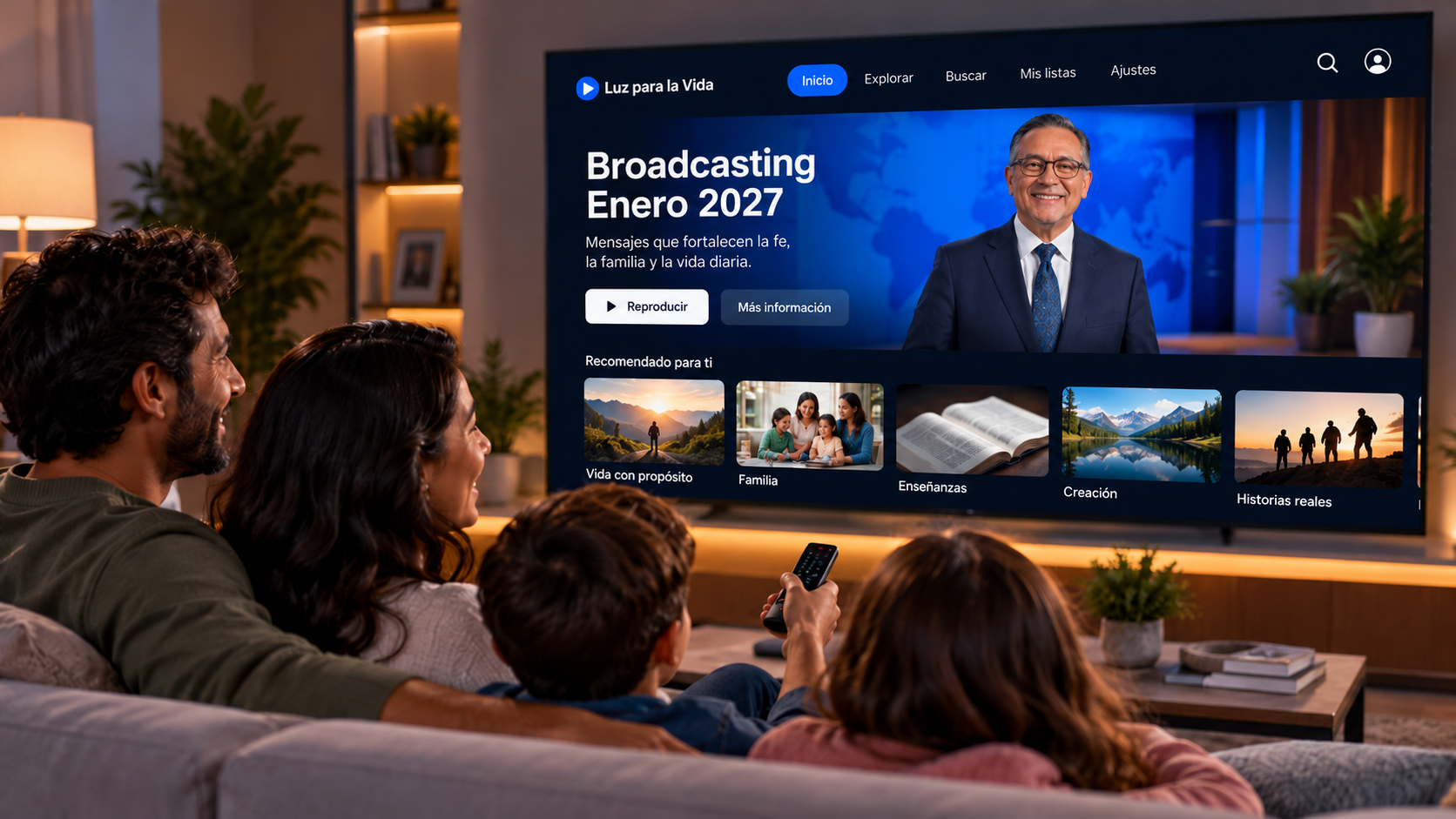
They do not replace JW.ORG and they do not create a new platform. They work as a more TV-friendly interface or navigation layer. The media plays directly from official JW.ORG and JW Broadcasting sources; it is not re-uploaded, mirrored, or redistributed from a separate catalog.
TV-adapted menus make browsing more comfortable.
Videos and audio are not hosted again on another platform.
Compatible with Android TV, Google TV, and other compatible Android devices.
Both aim to make the official multimedia catalog easier to browse on big screens. You can install one or try both.

A modern experience with its own identity, designed to browse and play content through a clear interface.

An alternative focused on broad language coverage and access to JW.ORG multimedia content in all its languages.
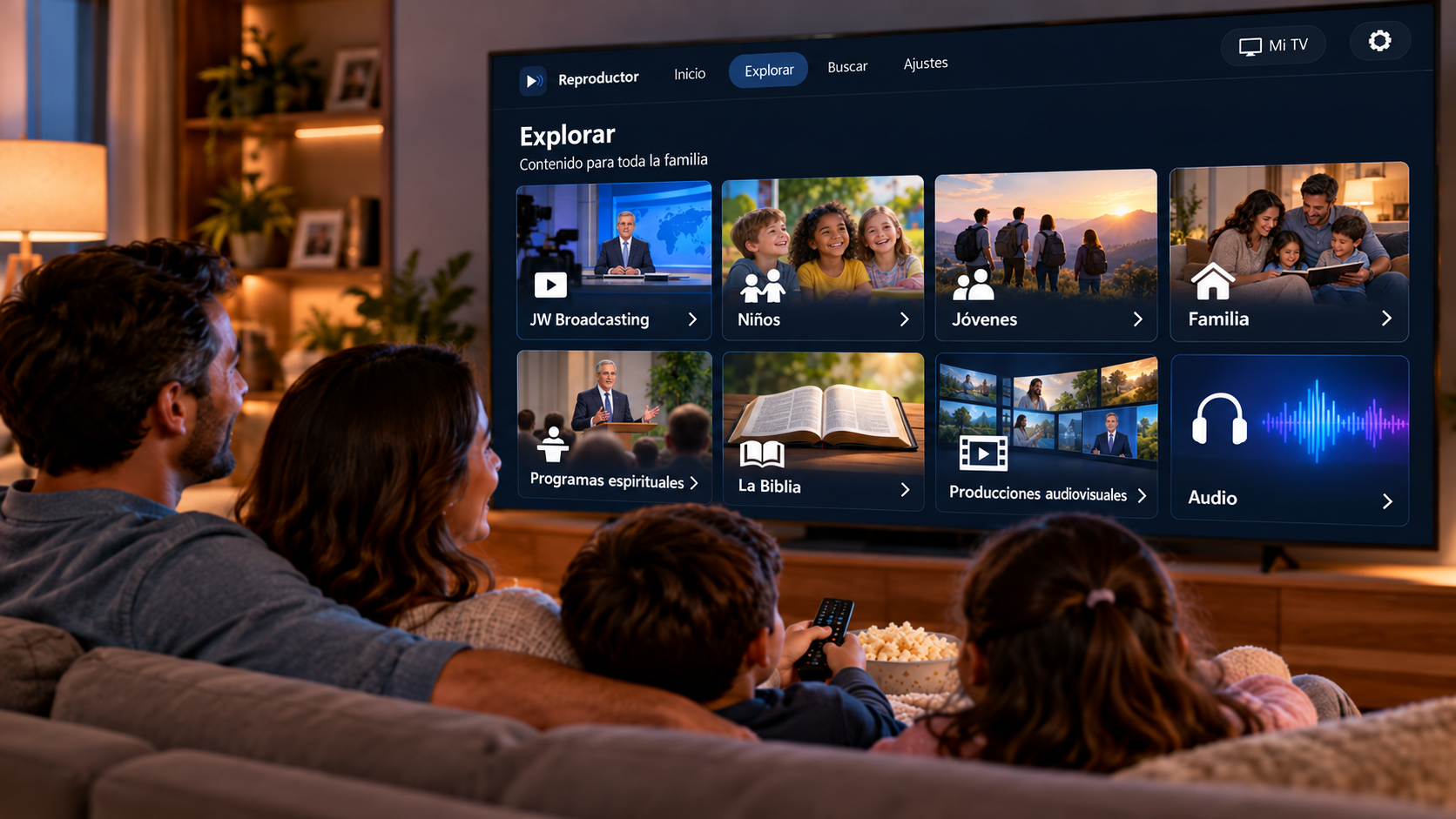
The idea is to make multimedia menus on TV feel simpler and more natural, so families can watch videos, listen to audio, and enjoy content together in the living room.
Each app has its own page and its own APK link on Google Drive.
The app makes official multimedia browsing more comfortable on TV.
Media is played from official sources; it is not copied or re-hosted.
No. These apps are meant to make the official multimedia content from JW.ORG and JW Broadcasting easier to browse on Android TV. They do not add a strange catalog or redirect users to a private content platform.
No. The content is not re-uploaded or mirrored elsewhere. Playback comes from official sources.
They are not official apps and are not part of the official site. They are independent projects created to provide a more comfortable TV browsing experience without replacing JW.ORG.
JWB Player is available in only a few interface languages. Broadcasting Player can access content in all languages published on JW.ORG, and its menus are available in 30 major languages.
Android phones, Android tablets, Android TV, Google TV, and other compatible Android-based devices that allow APK installation.